A website redesign checklist helps you decide whether your small business site needs a quick refresh or a full rebuild, and what to protect before you change anything. If your site looks dated but still ranks, loads quickly, and works on phones, a refresh is usually enough. If it is slow, hard to edit, not mobile-friendly, or built on unsupported software, a rebuild is usually the better investment. This guide gives you the warning signs, a decision framework, and a step-by-step plan.
Signs Your Website Needs a Redesign
- It looks outdated. If you hesitate to share the link with a new customer, that is a signal.
- It is not mobile-friendly. Text is tiny, buttons are hard to tap, or pages scroll sideways.
- It loads slowly. Visitors leave pages that take too long to appear.
- It does not generate leads. Traffic arrives, but few people call, book, or fill in the form.
- It is hard to update. Simple edits require a developer, or you are afraid to touch it.
- It runs on old software. Outdated themes, plugins, or platforms create security and compatibility risks.
- Your business has changed. The site still describes old services, prices, or a former brand.
Refresh or Rebuild? How to Decide
Refresh when the foundation is sound. That means a current platform, reasonable speed, clear structure, and content that mostly reflects your business. A refresh updates the design, images, copy, and calls to action.
Rebuild when the problems are structural. That means the platform is outdated or limiting, the site is slow because of how it was built, navigation is confusing, or you plan to change what the business offers. A rebuild starts from a new plan and design, then moves the content you still need.
A useful test: if most of your complaints are about how it looks, refresh. If most are about how it works or what it can do, rebuild.
Before You Start: Protect What Already Works
- Record your top pages. Use Google Search Console and analytics to find the pages that bring traffic and leads.
- Save a full backup of the current site, including the database and uploads.
- List every URL. You will need these for redirects if addresses change.
- Note what ranks. Keep a list of the keywords and pages that currently bring visitors.
- Collect brand assets. Logos, fonts, colors, photos, and testimonials you want to keep.
The Website Redesign Checklist
1. Define goals
Decide what the site must do: generate calls, book appointments, sell products, or build trust. Pick two or three measurable goals, such as more contact form submissions.
2. Understand your visitors
Write down who visits, what they want, and what stops them. Look at which pages they leave from.
3. Plan the structure
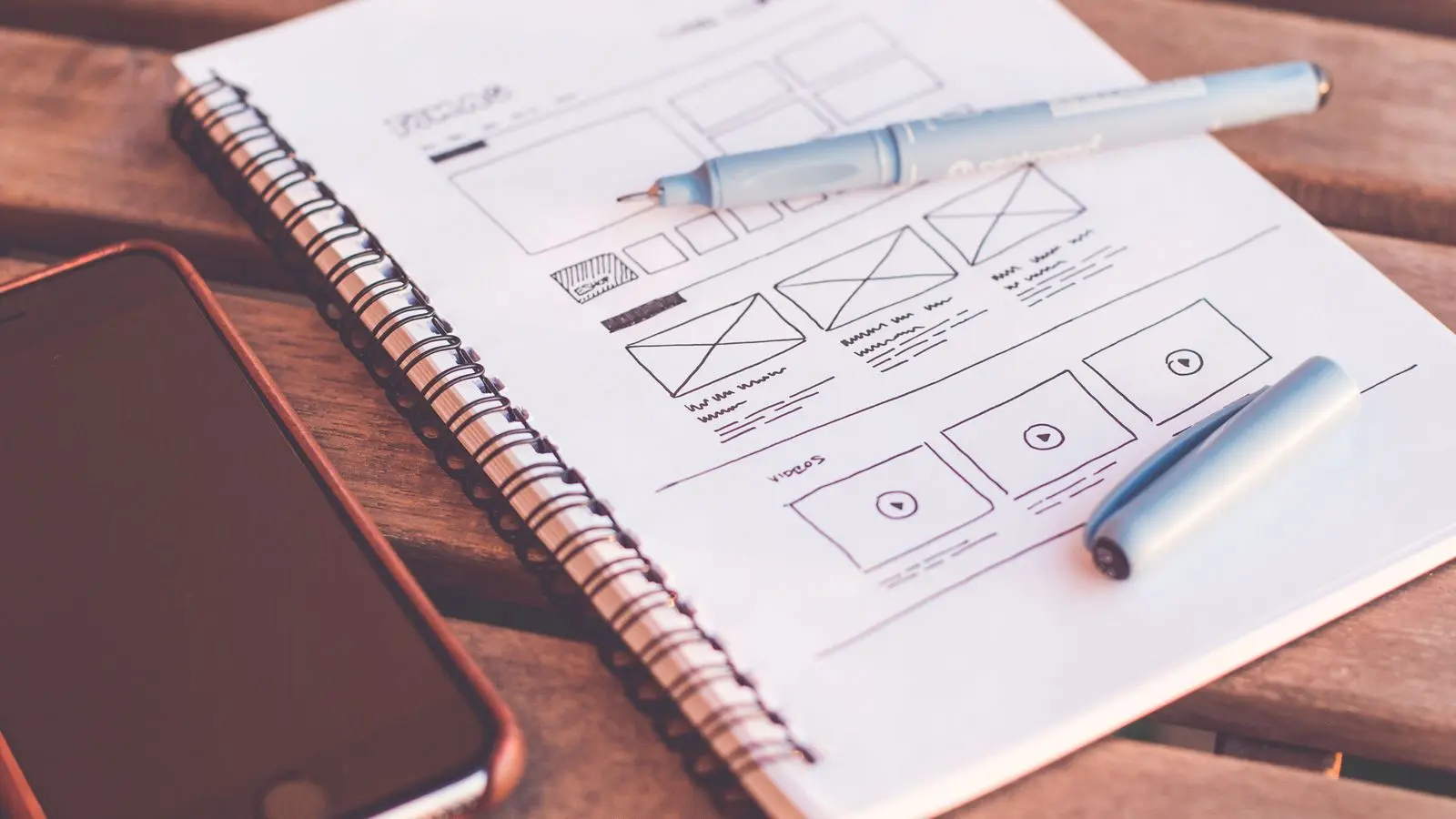
Sketch your main pages and navigation. Keep it simple: Home, Services, About, Contact, and a page per main service usually covers a small business.
4. Update content, not only design
Rewrite pages that are vague or outdated. Lead with the problem you solve, show proof, and make the next step clear. Make your price range or process visible where you can.
5. Choose the platform
Pick a platform you can maintain. If you are unsure between options, our comparison of WordPress and Shopify explains the tradeoffs.
6. Build for mobile first
Check every page on a phone. Buttons should be easy to tap, text easy to read, and forms short.
7. Plan for speed
Compress images, limit heavy plugins, and test with Google PageSpeed Insights before launch.
8. Keep your SEO
Keep URLs the same where possible. When they must change, set up 301 redirects from each old URL to its closest new page. Carry over page titles, meta descriptions, and headings that already perform, and keep your internal links working.
9. Test before launch
Click every link, submit every form, and check the site on different browsers and devices. Confirm your analytics and Search Console are connected.
10. Launch and monitor
After going live, submit your sitemap, check for crawl errors, and watch rankings and leads for the next several weeks. A short dip is normal, but a large drop means something needs fixing.
How Long Does a Redesign Take?
A simple small business site often takes a few weeks from kickoff to launch, depending on how quickly you provide content and feedback. Larger rebuilds with custom features take longer. For a breakdown of what affects budget, see how much a small business website costs.
Common Redesign Mistakes
- Changing every URL without redirects.
- Choosing looks over clarity and speed.
- Launching without testing forms and links.
- Forgetting to plan ongoing updates and security after launch. A maintenance plan helps here.
Frequently Asked Questions
How often should a small business redesign its website?
Many businesses refresh every two to three years and rebuild every four to six, but the real trigger is performance and business changes rather than a calendar.
Will a redesign hurt my SEO?
It can if URLs, content, or redirects are mishandled. A careful plan with redirects and preserved content usually protects or improves rankings.
Can I keep my current content?
Yes. Strong pages can be reused and improved. Weak or outdated pages should be rewritten or removed.
Do I need a new logo to redesign my site?
No. A redesign can keep your existing brand, or you can update it at the same time.
Plan Your Redesign With Us
We can review your current site and tell you whether a refresh or a rebuild makes sense. See our web design services or book a free call for a no-pressure quote.